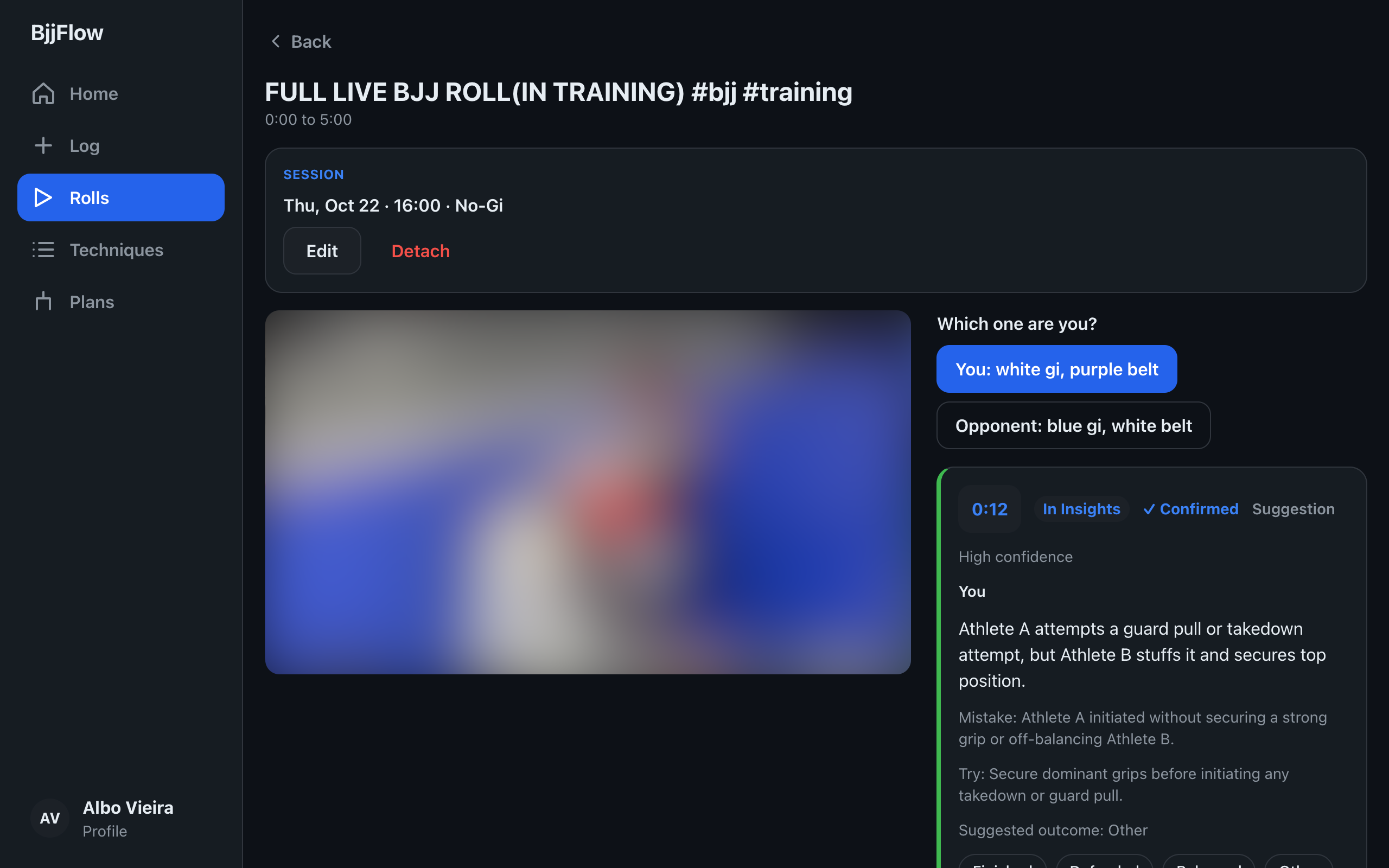
Roll review
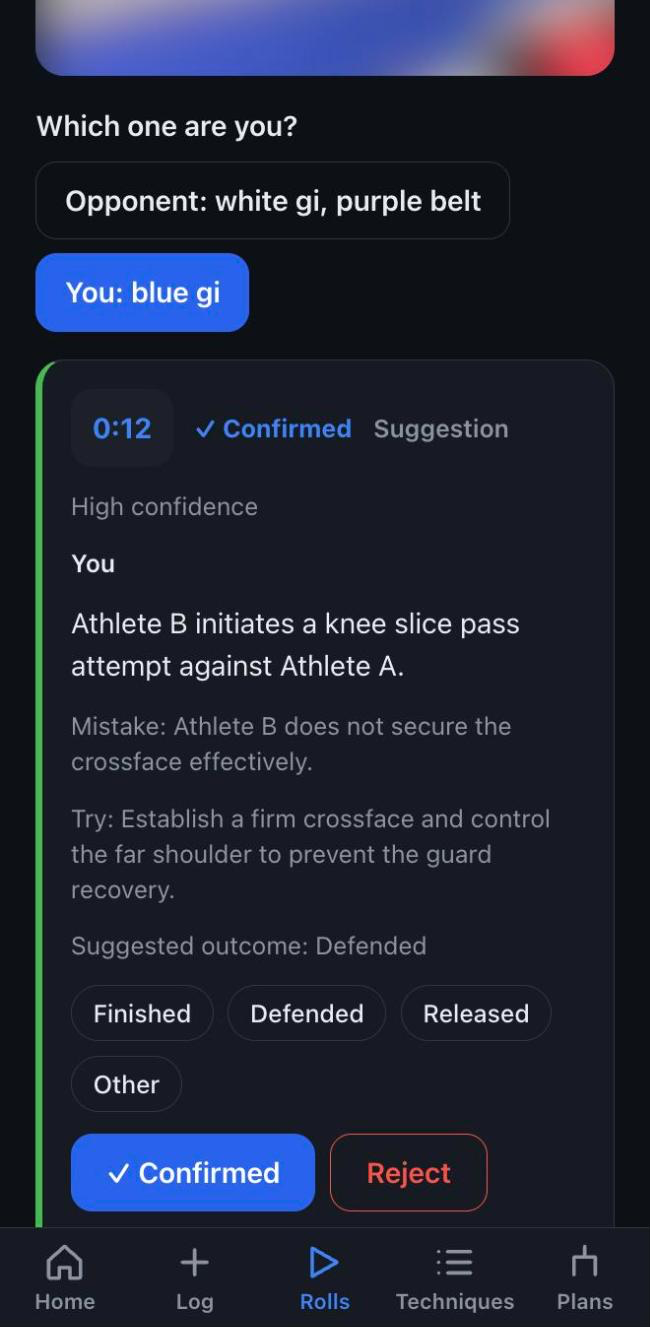
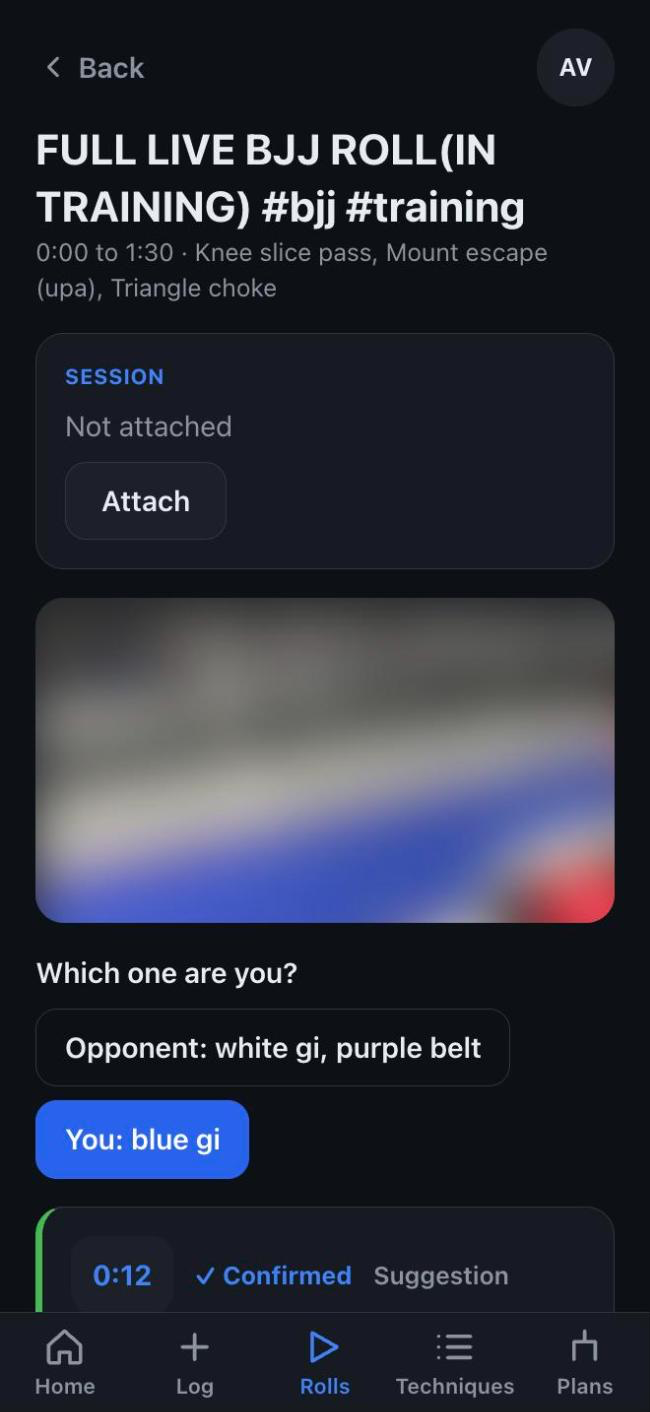
Paste a YouTube link or upload a roll. AI marks key moments with a timestamp and a confidence. Tap one to jump there.
 BjjFlow
Log every class. Upload a roll. AI suggests the mistakes and missed chances, you confirm them. Your jiu-jitsu, on the record.
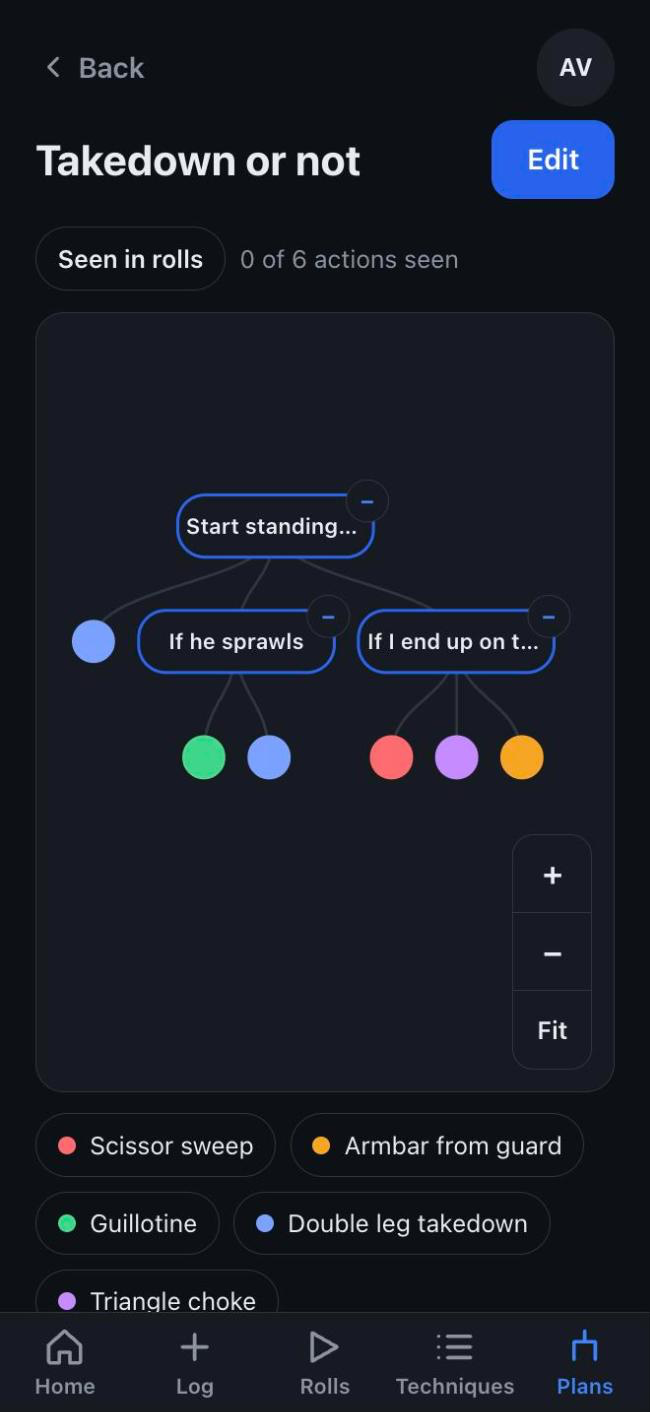
Three places AI works for you, each one a suggestion you can check.
Paste a YouTube link or upload a roll. AI marks key moments with a timestamp and a confidence. Tap one to jump there.
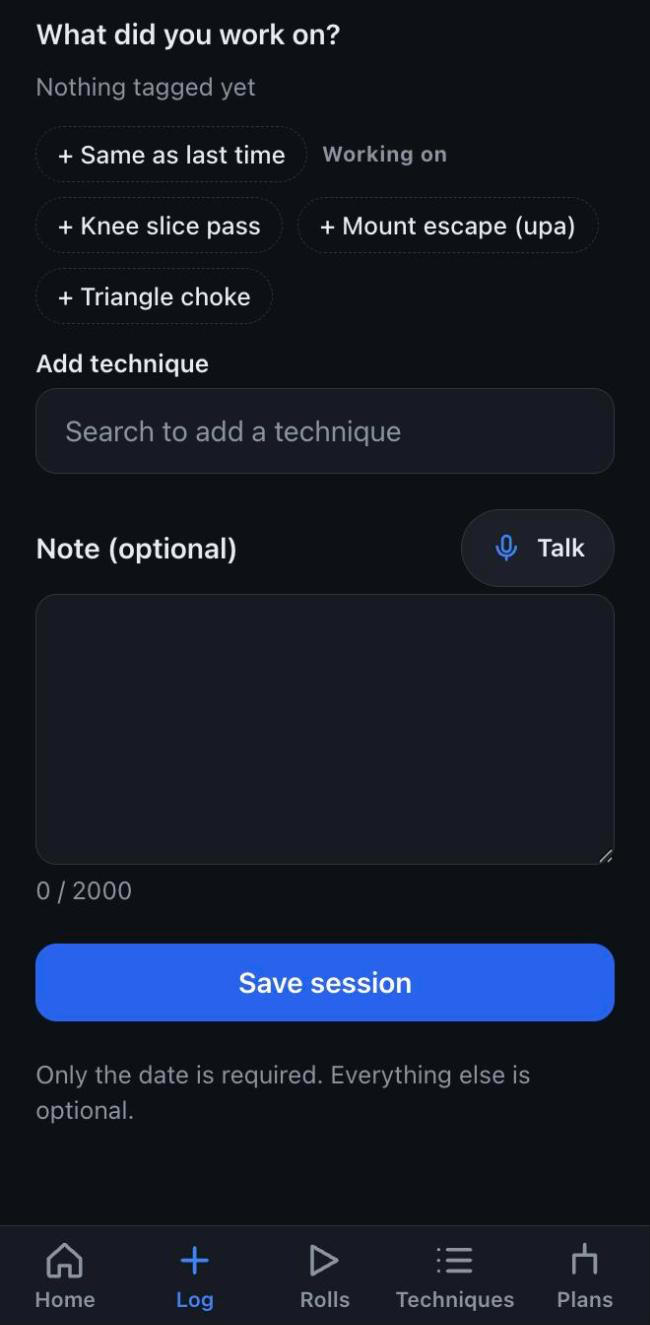
Talk for up to two minutes after class. Your words are written down as you said them, and techniques you mentioned are offered as tags.
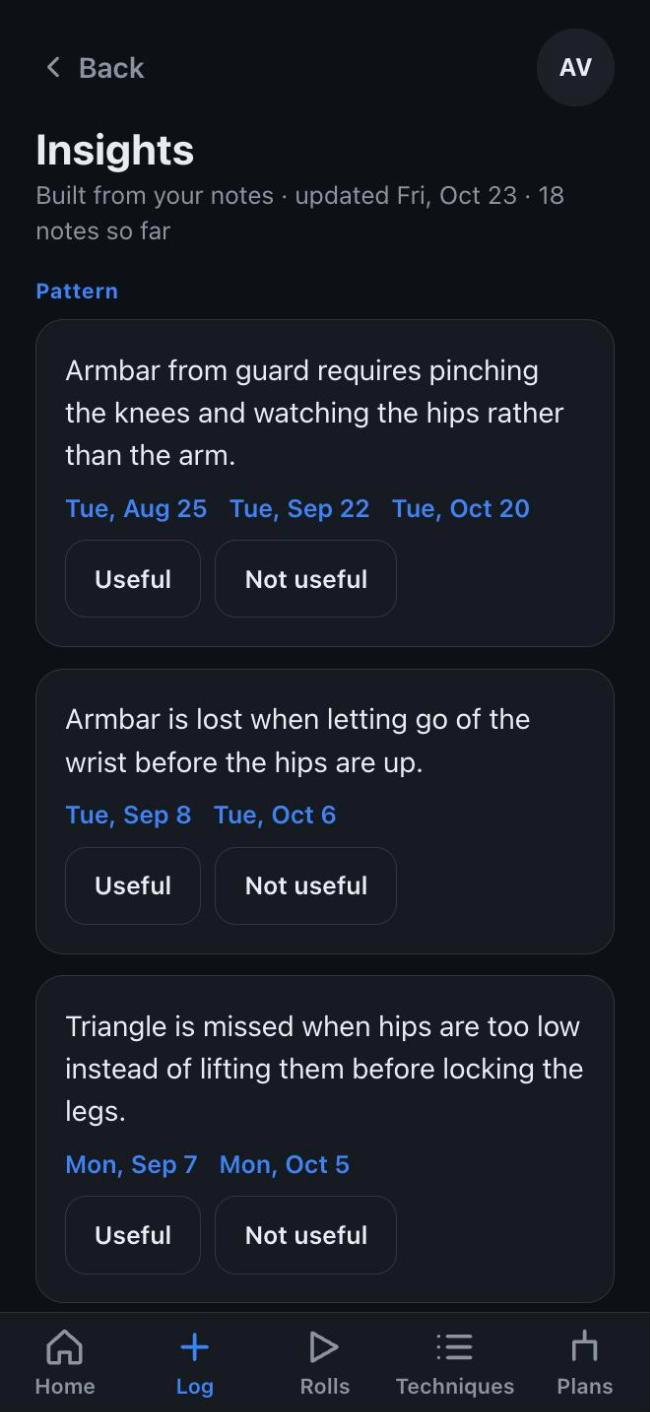
A short picture of what is working and what to try next, built from your own notes. Each point links back to the notes behind it.
Every suggestion shows a confidence and a flag when it needs a second look. You confirm, reject or correct it, and add what the AI missed. Your videos are private and you can delete them.
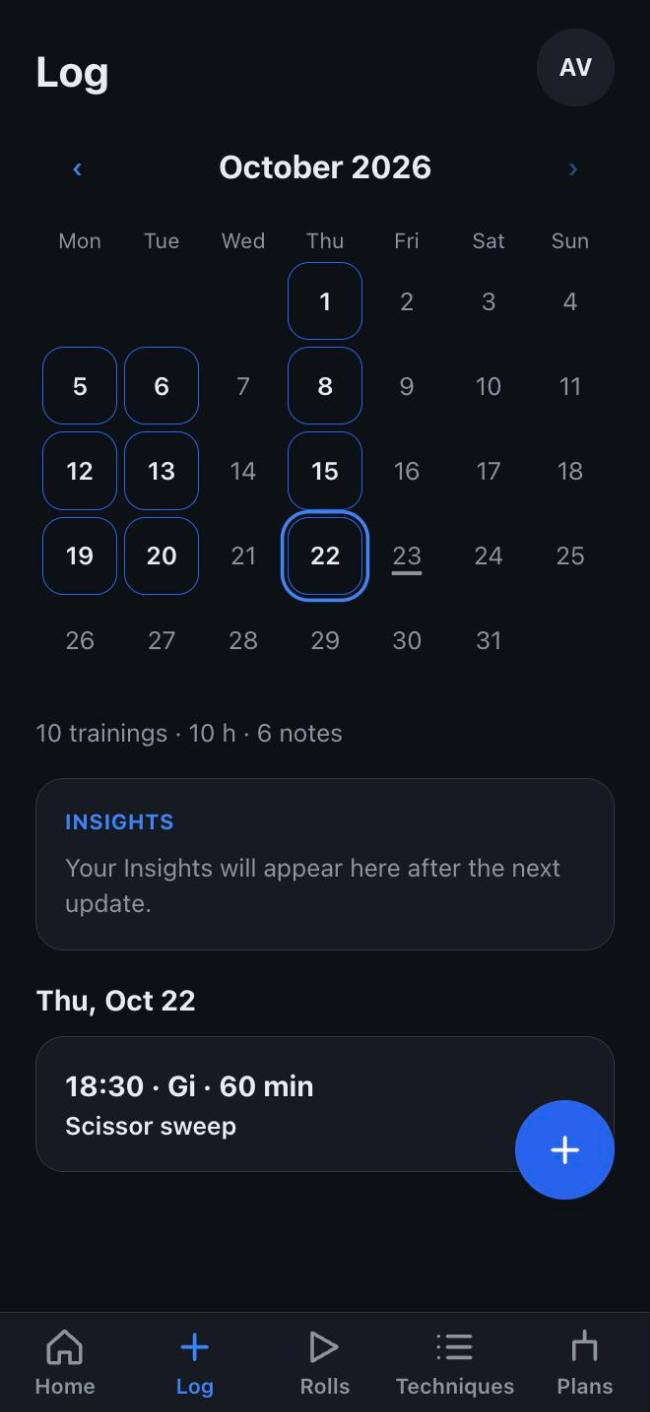
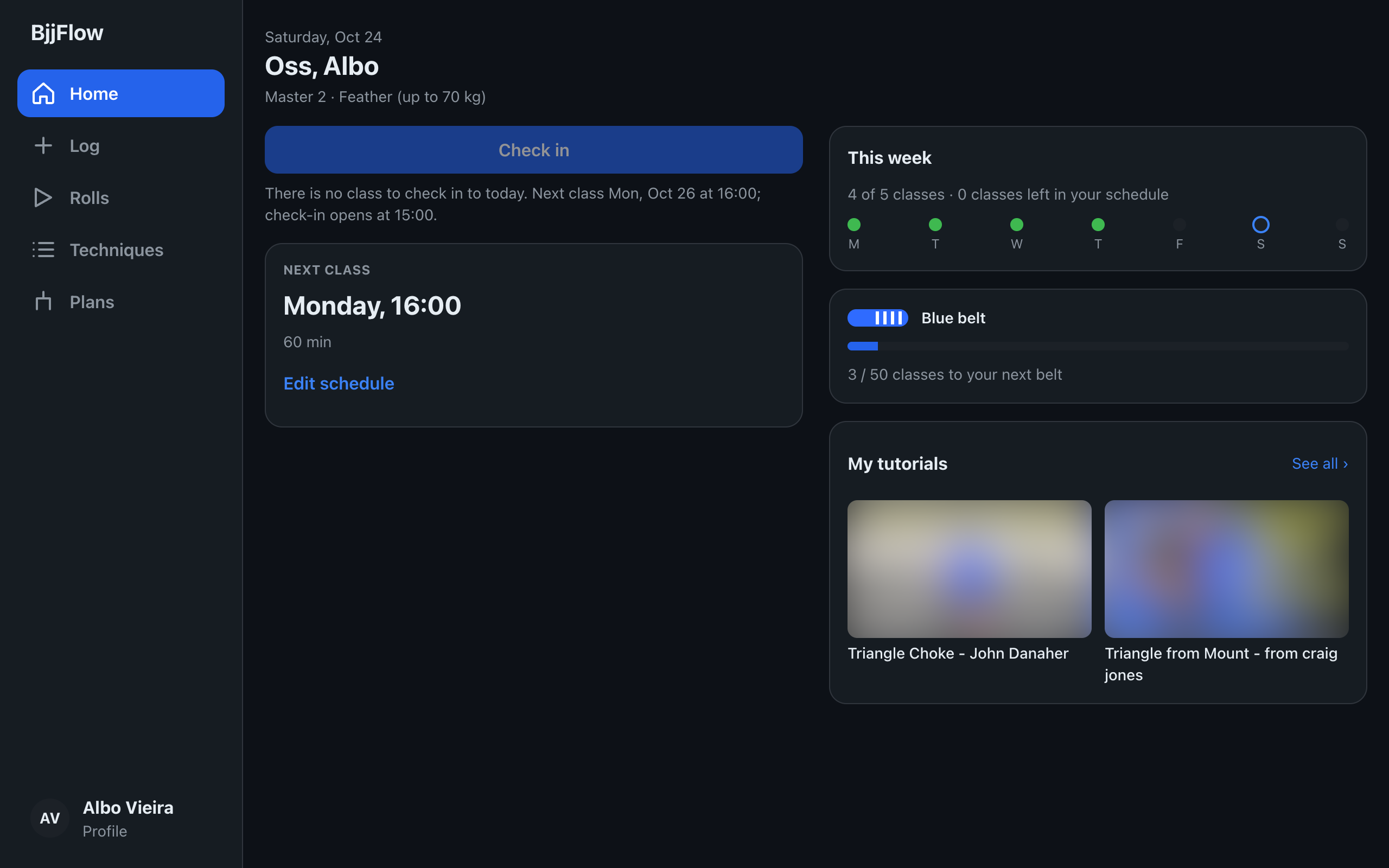
Check in to class in one tap and tag the technique you worked on.
Write what worked and what did not, or just say it out loud.
Upload a roll and let AI point at the moments worth a second look.
See each technique's history and what to try next.
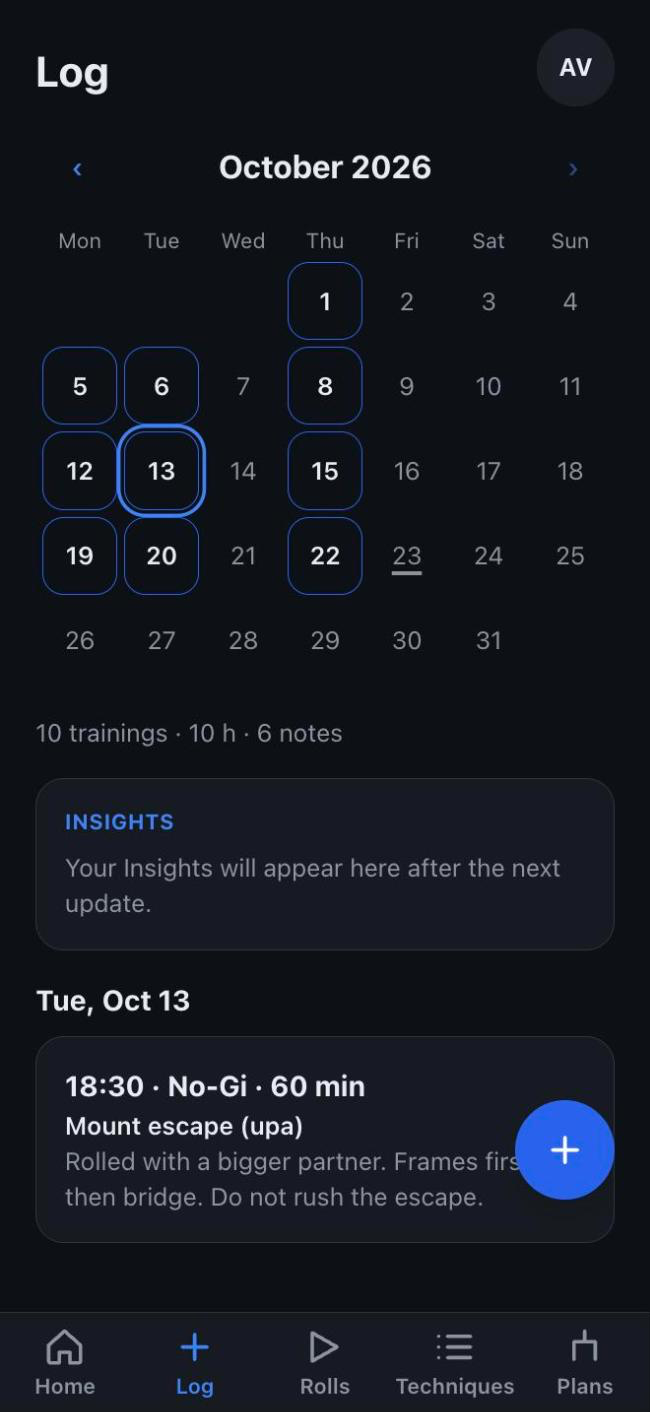
A month calendar of your trainings. Tap a day to see what you did and what you noted.
Sessions, notes, tutorials, rolls and confirmed moments for each technique, in one place.
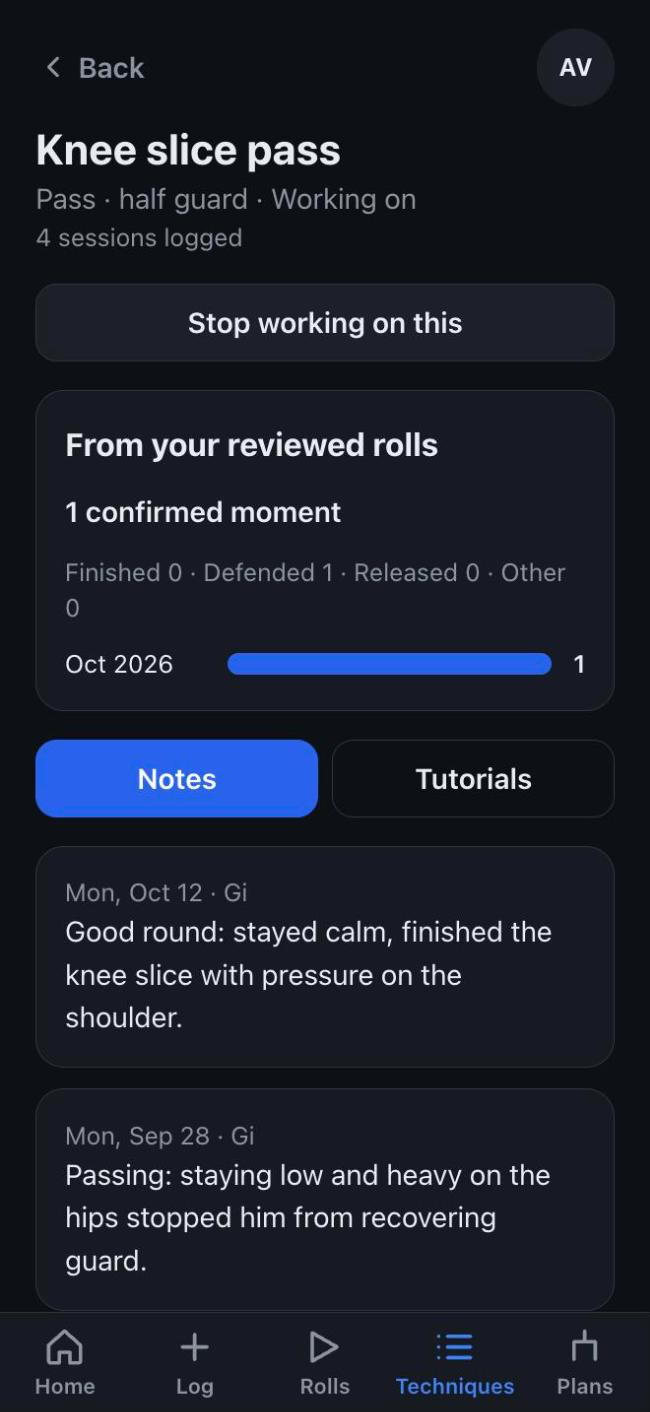
For blue belts and above: a map of decisions and actions, tagged with techniques and linked to moments from your rolls.
Optional reminders before class and a one-tap check-in after, so training gets logged while you remember it.
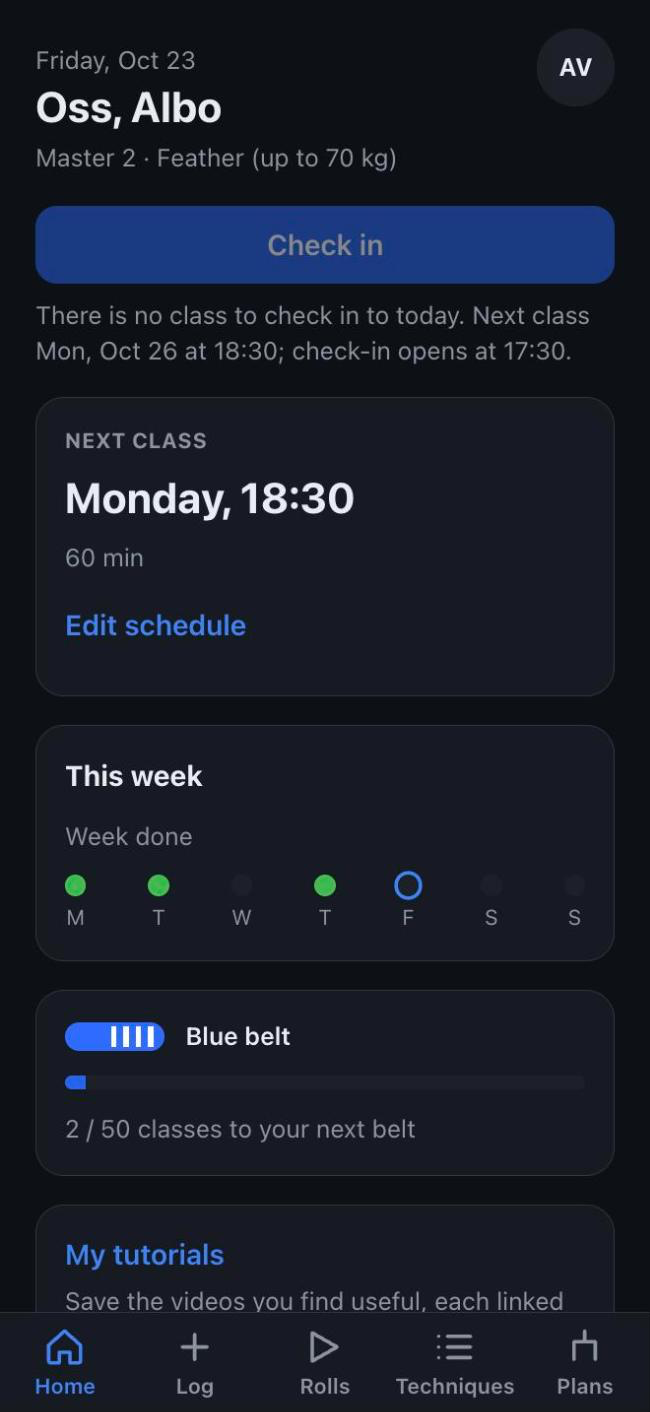
No app store. BjjFlow installs from your browser and opens like an app.

Scan to install on your phone
Open it from your home screen and turn on reminders. Notifications on iPhone work only after Add to Home Screen.
BjjFlow then opens from your home screen like an app.
You can also just use it in the browser.
Only you. Videos are private by default, there is no public sharing, and deleting a roll removes the file and what was derived from it. Please make sure your training partner is fine with being filmed.
No. The AI suggests moments for you to look at, with a confidence on each. You decide what is right, and your coach is still the one who can see what the video cannot.
BjjFlow is free during the beta.
No. BjjFlow installs from your browser. See the steps above for iPhone, Android and desktop.